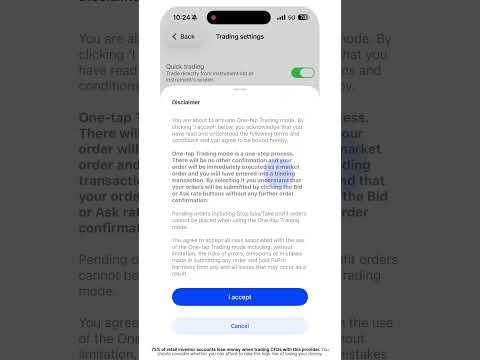
Ready for lightning-fast trades? Here’s how to enable one-tap trading. First, tap the ‘Profile’ menu icon. Next, select ‘Trading Settings’. Then, find and ‘Enable’ the one-tap trading option. You’ll need to accept the disclaimer to activate it. Once it’s on, you can just tap ‘Buy’ or ‘Sell’ to execute orders instantly, with no extra confirmations. You can disable this feature anytime from the same menu.